BETA TESTING
A clearer view of your inventory, with local snapshots, flexible search, and offline browsing for the Second Life® world.

Windows beta 0.6.0-beta.1 is ready to try. This beta is valid until November 4, 2026, or until a new release becomes available, whichever comes first.
103 MB ZIP. Extract it, then run BaldPeakLabs.Inventory-win-Setup.exe. Mac version coming later.
Browse folders, search your items and keep local snapshots for offline use.
Read the user guide for setup and step-by-step instructions.
Navigate folders and inspect item details, types, creators, and permissions.
Search names, descriptions, and folders. Filter by type and sort by name, type, or newest.
Save inventory snapshots on your computer and browse them offline. Keep older snapshots or remove local copies you no longer need.
Two screens from the current development build: sign-in and the inventory workspace while a read-only snapshot loads. Select a screenshot to view it full size.
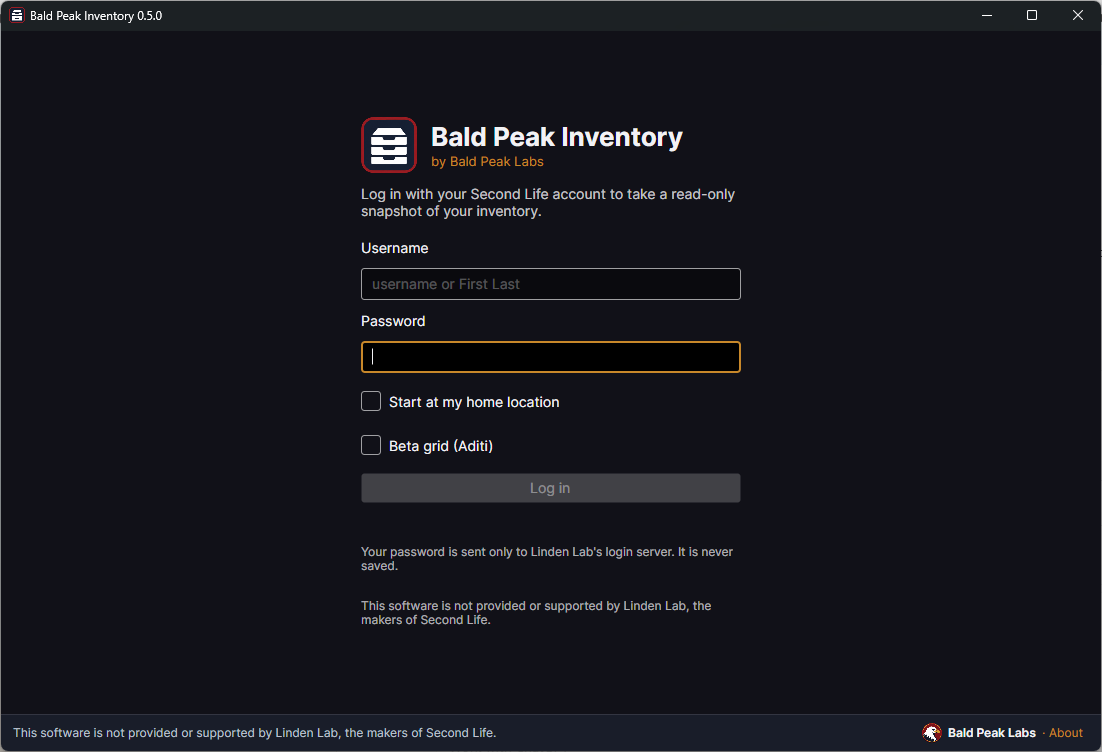
The app signs in to fetch a read-only inventory snapshot.
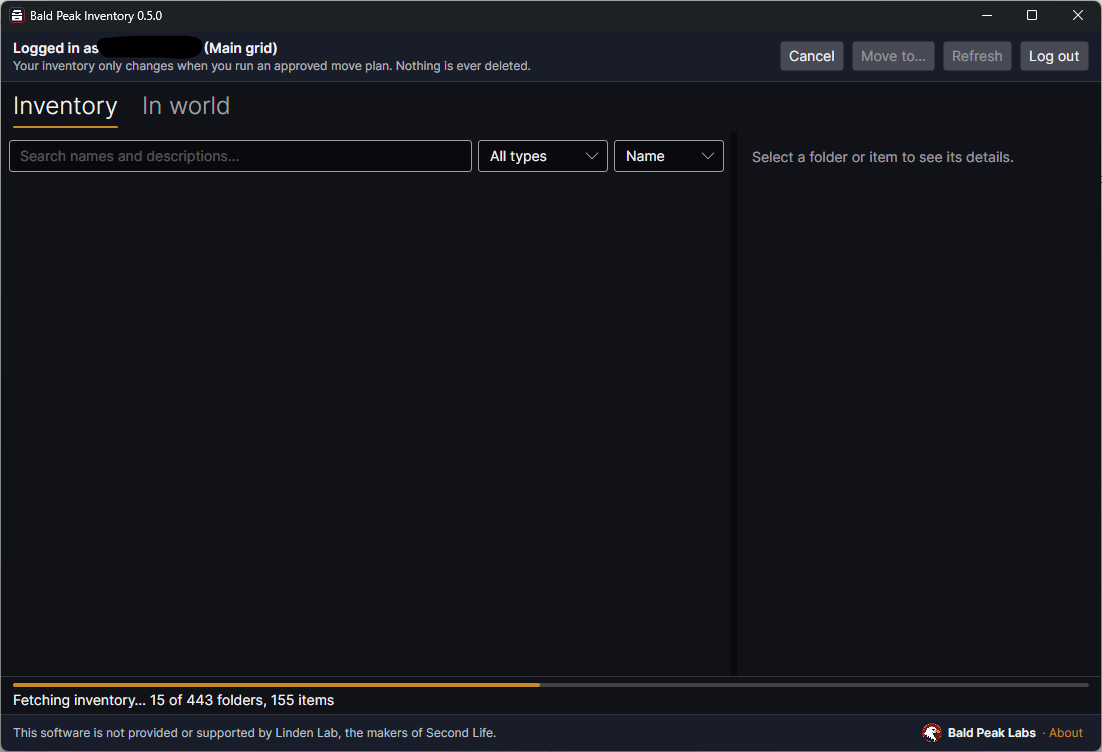
This capture shows folders and items loading. It is not a completed inventory view.
Browsing and searching read saved snapshots. Organizing requires a move plan that you preview, approve and run.
Browsing and searching work from a local snapshot. Removing an old snapshot only removes that copy from your computer, not items from your in-world inventory.
Inventory snapshots are stored on your computer. Your password and authentication codes are not saved to disk.
Review and approve every move before it runs. The app never deletes inventory items or empties Trash.
Select items or folders, preview the proposed moves, then approve and run a plan. Progress, Stop and Undo help you stay in control.
Match by type, creator, name or folder and turn your rules into a move plan for review. Rules can target existing folders or new subfolders.
Preview textures, snapshots and notecards, with local caching for offline use. Saving or copying content requires the appropriate item permissions.
This beta is valid until November 4, 2026, or until a new release becomes available, whichever comes first. Download the latest release from this page when it is available.
You can browse saved snapshots offline. Fetching or refreshing inventory requires a real Second Life® login session and will disconnect another viewer using the same account.
Nothing moves automatically. Review a move plan, approve it and run it yourself. The app does not delete inventory items or empty Trash.
Share ideas and follow development updates. For a problem with the app, contact support.
Updates and feedback